
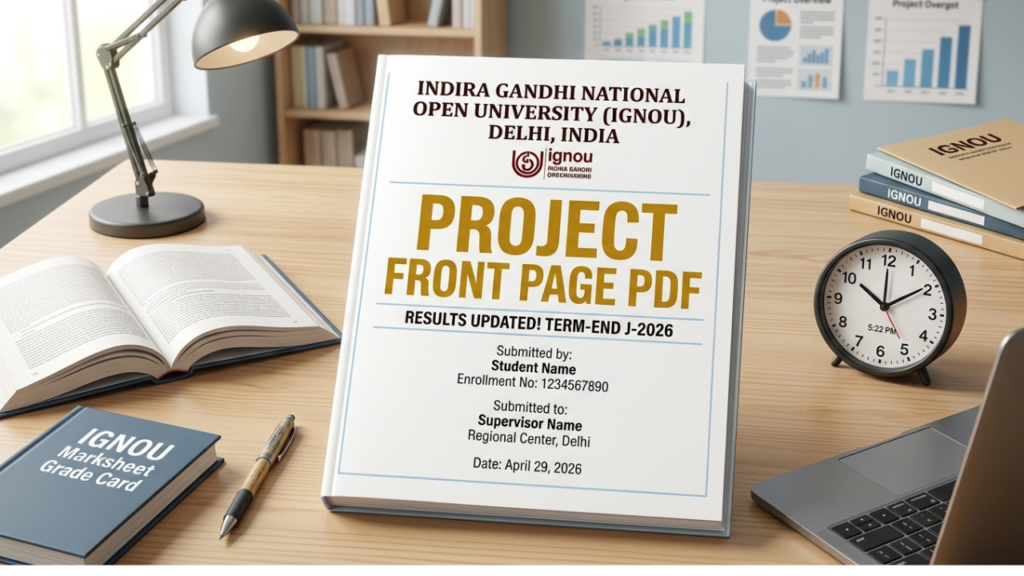
The front page of your IGNOU project report is the first thing evaluated by the examiner.
Many students ignore its format and make simple mistakes that can affect presentation marks.
If you want your project to look professional and follow IGNOU guidelines, you must use the correct front page format.
In this guide, you will get:
- Proper front page format
- Ready-to-use sample
- Copy-paste template
- Important rules
What is IGNOU Project Report Front Page?
The front page (cover page) is the first page of your project report that includes important details like:
- Project title
- Student name
- Enrollment number
- Course name
- Study centre
- Submission year
It gives a professional identity to your project.
 Get IGNOU Project Report WhatsApp Now 🚀
 Why Front Page is Important
A well-designed front page:
- Creates a good first impression
- Shows professionalism
- Helps in proper identification
- Avoids rejection due to format errors
IGNOU Project Front Page Format (2026)
Your front page should include the following details:
Required Information
- Title of the Project
- Name of the Student
- Enrollment Number
- Program Name (e.g., BCA, MCA, MBA)
- Course Code
- Study Centre Name & Code
- Session (Year)
- University Name (IGNOU)
Ready Front Page Template (Copy-Paste)
You can use the below format directly:
INDIRA GANDHI NATIONAL OPEN UNIVERSITY
PROJECT REPORT
Title of the Project
(Write your project title here in capital letters)
Submitted By:
Your Name
Enrollment Number:
XXXXXXXXXX
Program:
(Example: MCA / MBA / BCA)
Course Code:
(Example: MCS-044 / MMPP-001)
Study Centre:
(Name & Code)
Session:
(2026)
Formatting Rules (Very Important)
Follow these rules carefully:
- Use A4 size paper
- Font: Times New Roman or similar
- Title in CAPITAL LETTERS
- Center alignment
- Proper spacing between lines
- Avoid colors (keep it simple black text)
Design Tips for Better Presentation
- Keep it clean and minimal
- Do not add unnecessary graphics
- Maintain equal margins
- Use bold for headings
Common Mistakes to Avoid
1. Missing Important Details
Students forget to include:
- Enrollment number
- Course code
2. Wrong Format
Using random designs instead of proper format.
3. Over Designing
Too many colors or graphics make it look unprofessional.
4. Spelling Errors
Mistakes in name or project title can create issues.
Can You Customize the Front Page?
Yes, but only slightly.
You can:
- Adjust spacing
- Use bold headings
But avoid:
- Fancy designs
- Unnecessary images
Difference Between Front Page and Title Page
Many students get confused.
- Front Page = Cover page
- Title Page = First inner page (can be same or slightly detailed)
When to Attach Front Page
Attach it at:
- Very beginning of project report
Before:
- Certificate
- Acknowledgement
Practical Example
A student preparing MBA project:
- Uses proper format
- Adds correct details
- Keeps layout clean
Result:
- Better presentation
- Positive impression on evaluator
Final Checklist
Before printing, check:
- All details are correct
- No spelling mistakes
- Proper alignment
- Clean formatting
Conclusion
The IGNOU project report front page may look simple, but it plays an important role in presentation and evaluation.
Using the correct format ensures your project looks professional and meets university standards.
You can use the ready template provided above to create your front page easily without any confusion.